


Finally do the
exercises you save
You save them on TikTok, Instagram, and YouTube — then they die in a folder you never open. With Slots, one swipe and an exercise you want to try is in your program.
Traditional training VS Slots
Every other way of training runs on exact exercises. In Slots, each line of the day is a slot — it holds a muscle, and you pick the exercise when you get there.
Traditional workout appsMaking it upThe usual way
Monday · Push
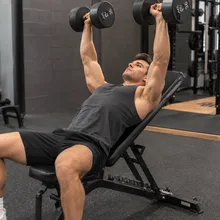
Incline Dumbbell Press
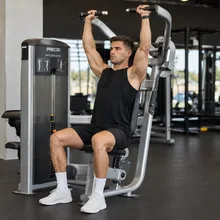
Machine Shoulder Press
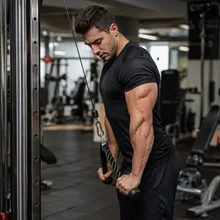
Rope Pushdown
Monday · Push
Choose everything while you’re at the gym
What should I train?
No muscle plan yet
Probably shoulders
Decide as you go
Whatever is open
Hope it covers everything
Monday · Push
Incline Dumbbell Press
Machine Shoulder Press
Rope Pushdown
 Slots
Slots
Monday · Push
Tap a muscle — pick today's exercise
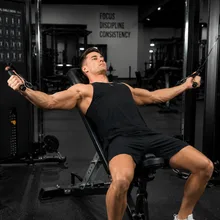
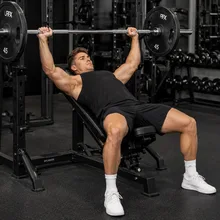

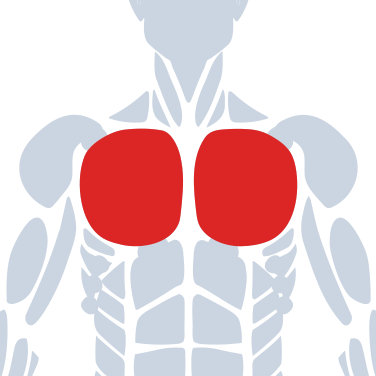
Upper Chest
Incline DB Press
Muscle · 8 exercises
Upper Chest · Muscle
Incline DB Press Incline Cable Fly Incline Barbell Press 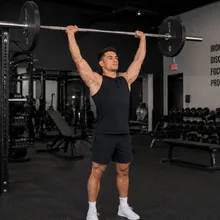
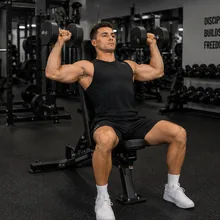
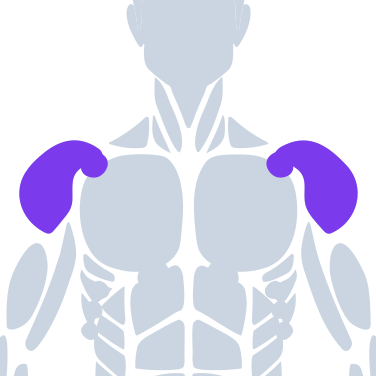
Front Delt
Seated DB Press
Muscle · 6 exercises
Front Delt · Muscle
Barbell OHP Seated DB Press Machine Press 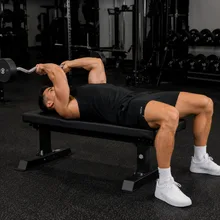
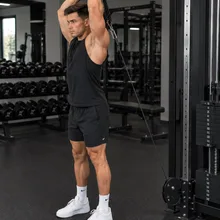
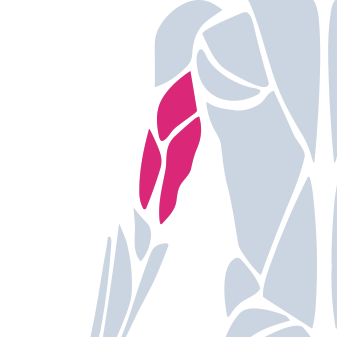
Triceps
Rope Pushdown
Muscle · 12 exercises
Triceps · Muscle
Rope Pushdown Skull Crushers Overhead Ext. Give each muscle the exercises you actually want to do
Over 200 come built in. Stop trying to remember every exercise you see — pull a finished one from another Slots user, with the video, muscle and equipment already filled in. Two ways:
From a profile
Open anyone's profile to see all their custom exercises, and tap Add on the ones you want.
Mike
@mike_lifts
128
Following
2.4k
Followers
 1
1
Leg Extension
 1
1
Incline Dumbbell Press
Add to library 1
1
Face Pull
 1
1
Preacher Curl
Add to library
Discover feed
Follow other users to swipe through their public exercises, or use the Discover feed to swipe the most-saved exercises.

Gorilla Row
Back

Landmine Single Arm Press
Shoulders

Romanian Deadlift
Legs

Chest Supported Dumbbell Row
Back

Seated Cable Row
Back
How do you usually train?
Pick what sounds most like you.
Slots — Your program, without the friction.
You like knowing the plan. You just need it to bend when real life does.
Slots — Your freedom, with a plan.
You want to keep choosing your exercises without starting every workout from scratch.
Slots — Structure when you want it. Flexibility when you need it.
You want enough structure to stay on track and enough freedom to change the lift.
The machine you need is taken.
Your program says one exact lift — so you wait, skip it, or awkwardly improvise.
Grab whatever’s open.
The slot is the muscle, not the machine. Do any exercise that hits it and keep moving.
You have 5 favorites. The program fits 1.
A fixed plan pins specific lifts. Your other go-tos never make the cut.
Just pick any of them.
One muscle slot holds all your favorites — do whichever you feel like that day.
Cranky shoulder? The plan doesn’t care.
A fixed program demands the exact lift no matter how you feel that day — so you grind through it, or bail.
You know your body better than your program.
Tweaked, tired, or just not feeling a lift? Pick one that works today — same muscle, same gains, no guilt.
You travel — every gym is different.
Most apps make you regenerate a whole new workout… and now you’re not sure you hit every muscle this week.
Same program, any gym.
Pick whatever that gym has for each muscle. No regenerating — your weekly coverage never breaks.
You’re stuck swapping lifts in and out.
Swap the new one in. Remember what it replaced. Miss the old one, swap it back. Every lift you like turns into admin.
Nothing has to come out.
They all live under the same muscle. New one today, your old favorite Thursday — no swapping, nothing lost.
You finished the program. Now what?
It ends, and you’re back to square one picking a new one.
It never runs out.
Built on muscles, so it keeps going — just keep picking fresh exercises.
Some muscles go weeks without a set.
Deciding on the day means drifting toward what you like. Chest and arms get hit every week — rear delts, hamstrings and calves quietly stop happening, and nothing tells you.
Coverage is the default.
Built around muscles, so every one gets its work — nothing slips through the cracks.
You reach for the same lifts anyway.
Deciding on the spot sounds free, but you default to whatever you did last time — the ones you can remember standing in a busy gym.
The slot remembers for you.
Every exercise you’ve ever added sits under its muscle, waiting. Pick the one you feel like, not the one you happened to recall.
Every session starts on a blank screen.
Nothing is holding the shape of your week. You show up and think of something, or repeat whatever you did last time.
Your week already has a shape.
Open the day and the muscles are waiting. You still pick every exercise — you just don’t start from nothing.
What weight did you lift last week?
Getting stronger means beating last week by a little. Nothing written down means you’re guessing — so you do the same numbers for months and never notice.
Last week’s numbers, right there.
Every set shows what you did last time. Add a rep or five pounds and you know it actually counted.
Everything that stands between seeing an exercise and doing it
-
 1
1You save it.
A post in a folder. Saving felt like a plan.
-
 2
2You have to remember you saved it.
Days later, standing in the gym, it’s gone from your head.
-
 3
3You have to go find it.
Mid-workout, scrolling your saved folder hoping you spot it.
And it still has to go somewhere.
You follow a program
There’s no room for it. Fitting it in means dropping something else — and hoping you don’t throw off your programming.
You make it up at the gym
There’s no way to track it, so there’s no progress to see. And nothing brings it up again — remembering it is on you, forever.
If you follow a program
There’s no room for it. Fitting it in means dropping something else — and hoping you don’t throw off your programming.
If you make it up at the gym
There’s no way to track it, so there’s no progress to see. And nothing brings it up again — remembering it is on you, forever.
With Slots
Nothing to remember. Nothing to find. Nothing to rearrange.
-
 1
1Tap Add. That’s it.
It is in your program before you put your phone down — video, muscle and equipment already on it. Nothing to name, tag, or fit in anywhere.
-
 2
2Pick it at the gym.
Next time that muscle comes up, tap the slot and it is right there in the list. This week, and in six months.
Slots connects your library to your program.
Your saved exercises aren't a list off to the side. They're the options inside the week you're already training.
See the muscle you're neglecting
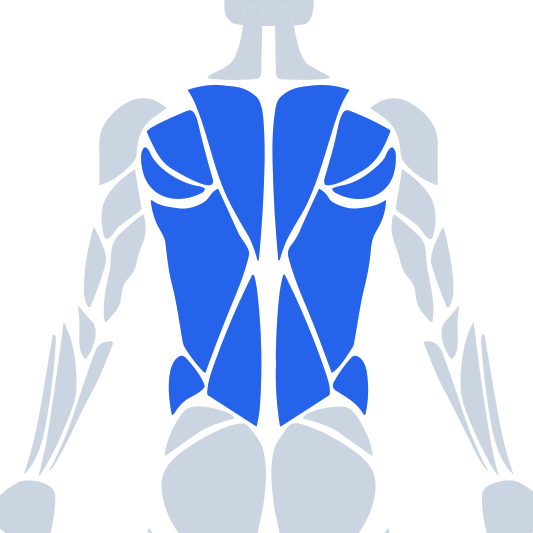
Slots counts the sets your week gives every muscle group, biggest first. Open one and you see the muscles underneath it — so a thin rear delt, or hamstrings getting half what your quads get, is something you can look at rather than something you never find out. Adding a slot for it is one tap.
Back
24 sets a week
Back
24 sets a week
- Lats 6 sets a week
- Upper Back 6 sets a week
- Traps 6 sets a week
- Lower Back 6 sets a week
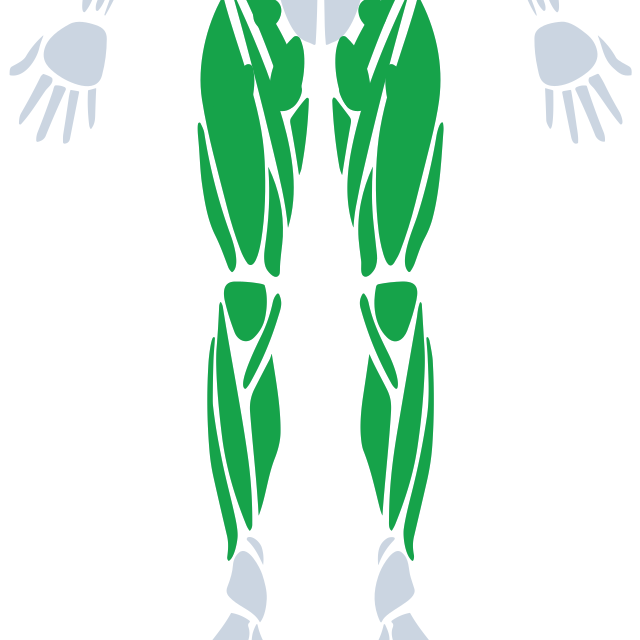
Legs
24 sets a week
Legs
24 sets a week
- Quadriceps 8 sets a week
- Glutes 6 sets a week
- Hamstrings 4 sets a week
- Abductors 2 sets a week
- Adductors 2 sets a week
- Calves 2 sets a week
- Hip Flexors No sets
- Shins No sets
Shoulders
18 sets a week
Shoulders
18 sets a week
- Front Delt 8 sets a week
- Side Delt 8 sets a week
- Rear Delt 2 sets a week
Chest
12 sets a week
Chest
12 sets a week
- Upper Chest 4 sets a week
- Mid Chest 5 sets a week
- Lower Chest 3 sets a week
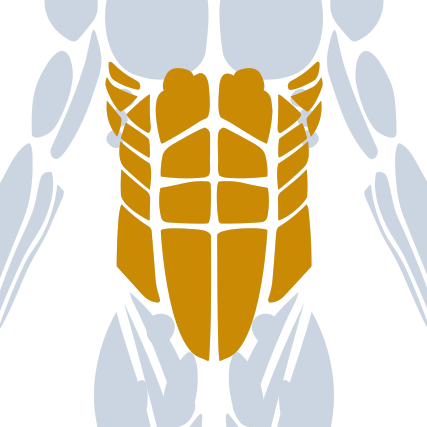
Core
12 sets a week
Core
12 sets a week
- Upper Abs 5 sets a week
- Lower Abs 4 sets a week
- Obliques 3 sets a week
Triceps
9 sets a week
Triceps
9 sets a week
- Lateral Head 3 sets a week
- Long Head 3 sets a week
- Medial Head 3 sets a week
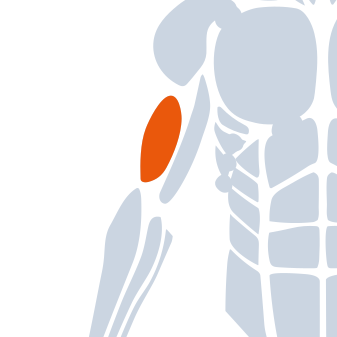
Biceps
9 sets a week
Biceps
9 sets a week
- Long Head 5 sets a week
- Short Head 4 sets a week

Forearms
3 sets a week
+ Add a slot
Forearms
3 sets a week
- Brachioradialis 1 set a week
- Extensors 1 set a week
- Flexors 1 set a week
All 29 muscles are built in, and you can add your own — plus collections for the work no single muscle describes: Mobility, Plyometrics, Conditioning, Cardio and Power. This is Program balance, the sets your week plans. Your Week shows what you actually logged, and counts the assisting work the big lifts do.
Frequently asked questions
Briefly, what does this app actually do?
Slots lets you build a weekly program around muscles instead of fixed exercises. Add a muscle to a slot, then pick the exact exercise when you train — or pin one exact exercise if you’d rather.
What makes Slots different from other fitness apps?
Most apps lock every day into fixed exercises. Slots holds the muscle instead, and you pick the exact exercise when you train. So you can grab a free machine, try something new, or beat boredom without ever rebuilding your week.
What does it mean to build around a muscle?
Instead of pinning an exact exercise, you add a muscle — like Chest or Triceps — to a slot. When you train, you pick any exercise that hits it: grab whatever machine’s open, try something new, or repeat a favorite. Your program covers the muscle; the exact exercise is up to you that day.
Can I just pin a specific exercise?
Of course. A slot can hold a muscle or one exact exercise — pin your favorite lift and it stays put, or leave it open and choose when you train. It’s your call, slot by slot.
Does the app come with exercises, or do I add them all myself?
Slots ships with over 200 built-in exercises — the most common movements lifters do for each muscle. You can edit any of them, put your own video on one, or build your own from scratch.
Do I have to build my own program?
No. Answer a few questions and Slots builds your whole split — or set up every detail yourself. Either way, you can tweak anything later.
Does Slots track my sets and progress?
Yes. Log every set as you train, and Slots remembers your last weights and reps so you always know what to beat next time.
Is my account public, or can I make it private?
Your account is public by default, so others can find your profile and add the exercises you’ve shared. Switch to private anytime and you disappear from search and feeds — nobody can find or follow you. You always choose which exercises are public; nothing else is ever shared.
Do I need a gym to use this app?
Slots is built mainly for training in a gym, so most exercises assume gym equipment. That said, you can add any exercise and customize your whole program — so you can build a home or bodyweight setup around what you have.
Can I cancel anytime?
Yes. You can manage or cancel a subscription anytime from your App Store account settings, and you keep access until the end of your current billing period.
Still have a question? Email us .
Finally do the exercises you save
Your split, your muscles, your saves — in a program you'll actually follow.
Follow @slotsworkout.app to hear when it lands.